AC Technician
AC Not Cooling? Check This Before Booking a Technician
Know the safe details to share when an AC is not cooling, and when HandyGo inspection or a repair quote may be needed.
Read guidePehle
Ab · HandyGo
Three steps in the app. Repair work starts only after you accept the quote.
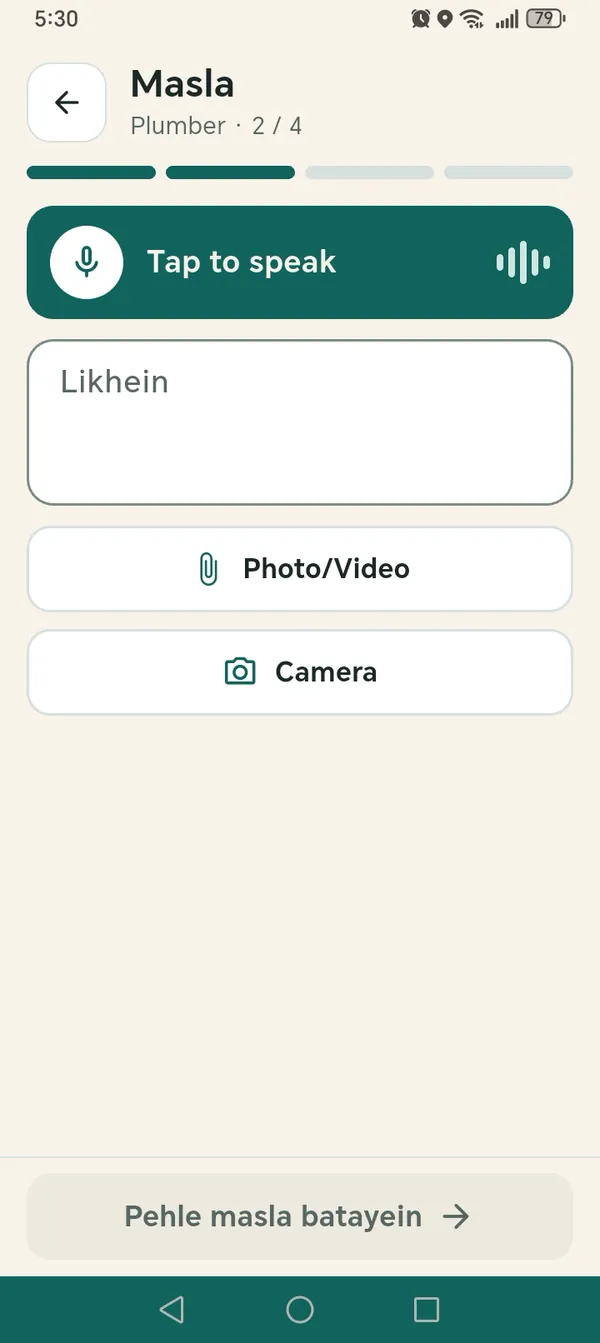
1. Tell it
Speak or type the problem. Handy writes the summary.
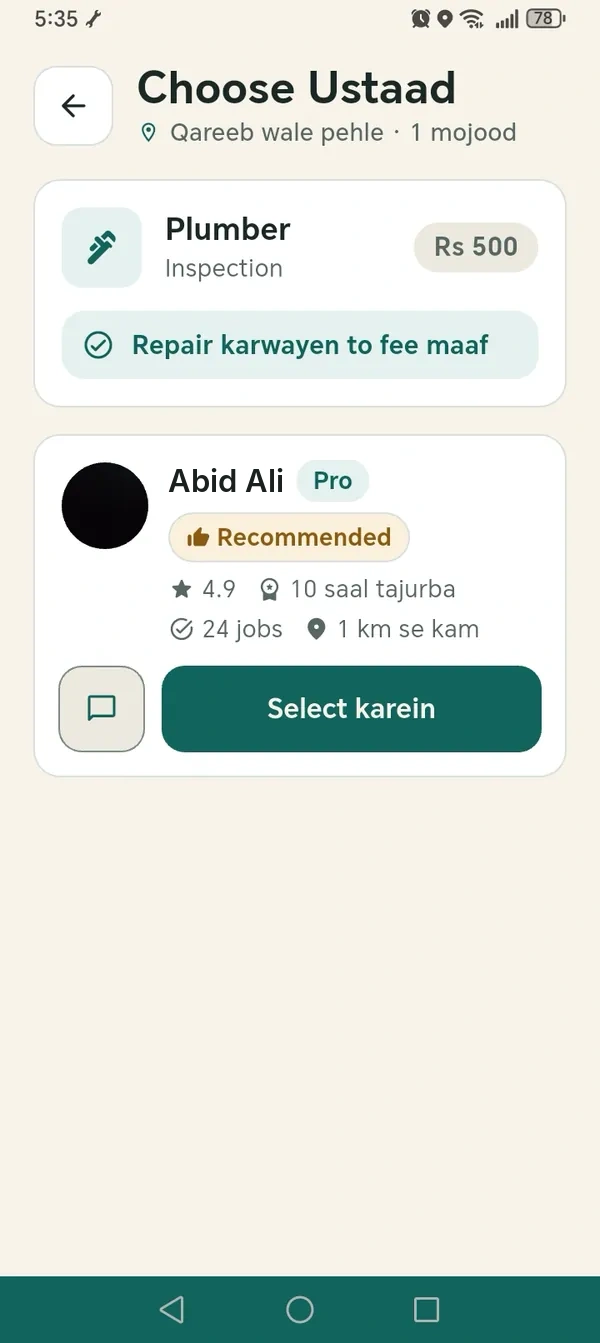
2. Choose
Compare offers from Ustaads and pick one.
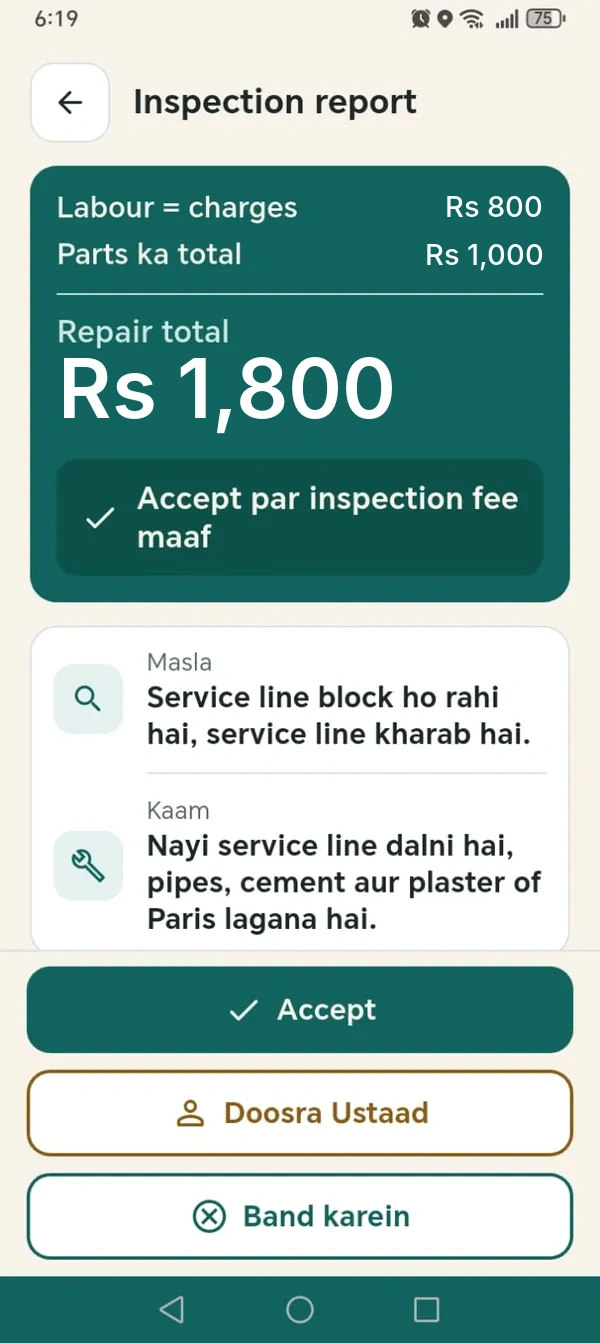
3. Approve
Read the inspection report and accept the quote.
Offers from Ustaads near you
Interested Ustaads send an offer. You choose.
A written quote to approve
Repair work starts after you accept the report.
Follow your Ustaad
See when they are on the way and when they arrive.
Chat like WhatsApp
Photos, videos, voice notes and your location.
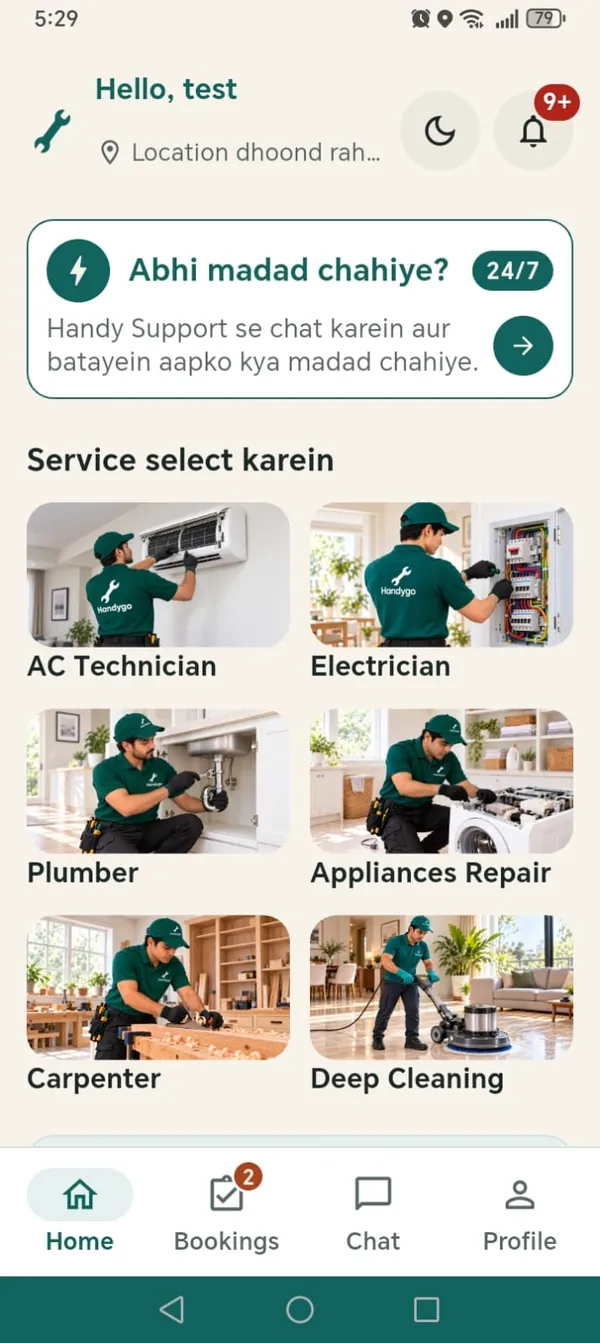
Request repairs, maintenance and cleaning for homes, offices and commercial spaces.
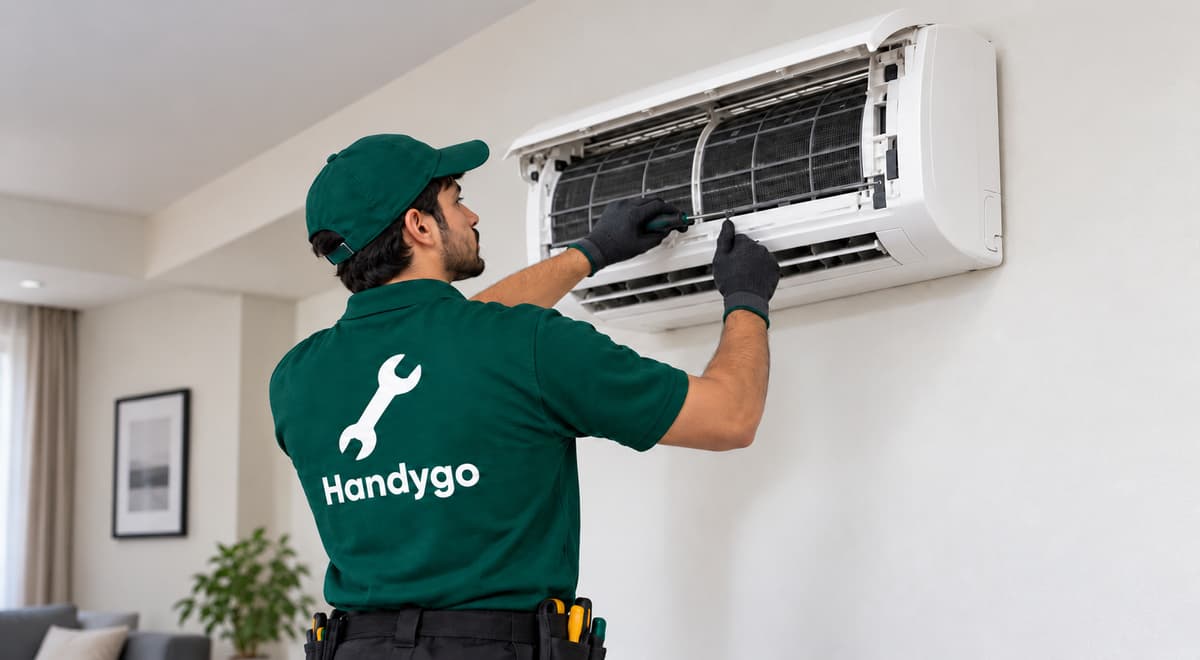
AC Technician
AC servicing, installation and diagnosis of cooling or repair issues.
Electrician
Plumber
Appliance Repair
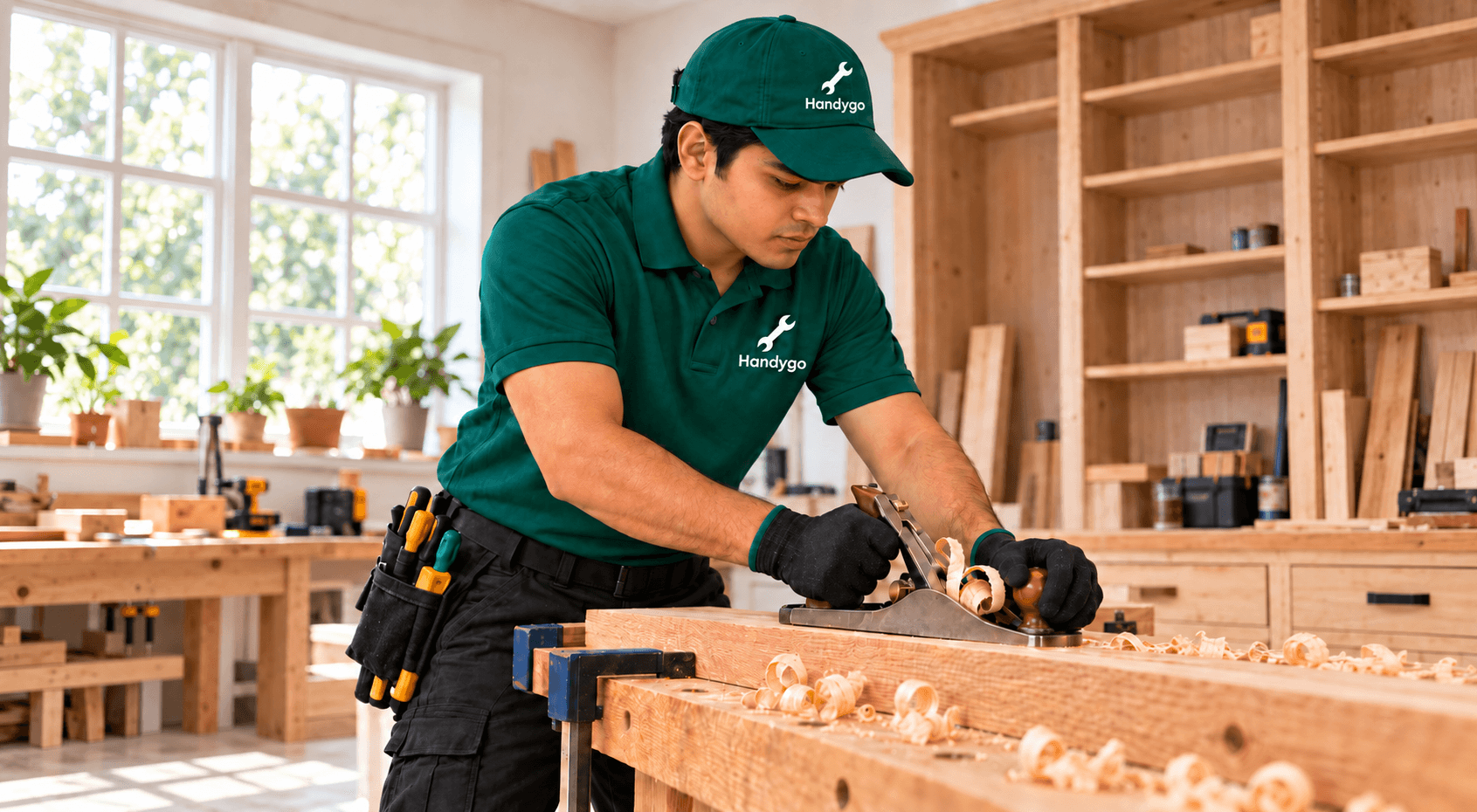
Carpenter
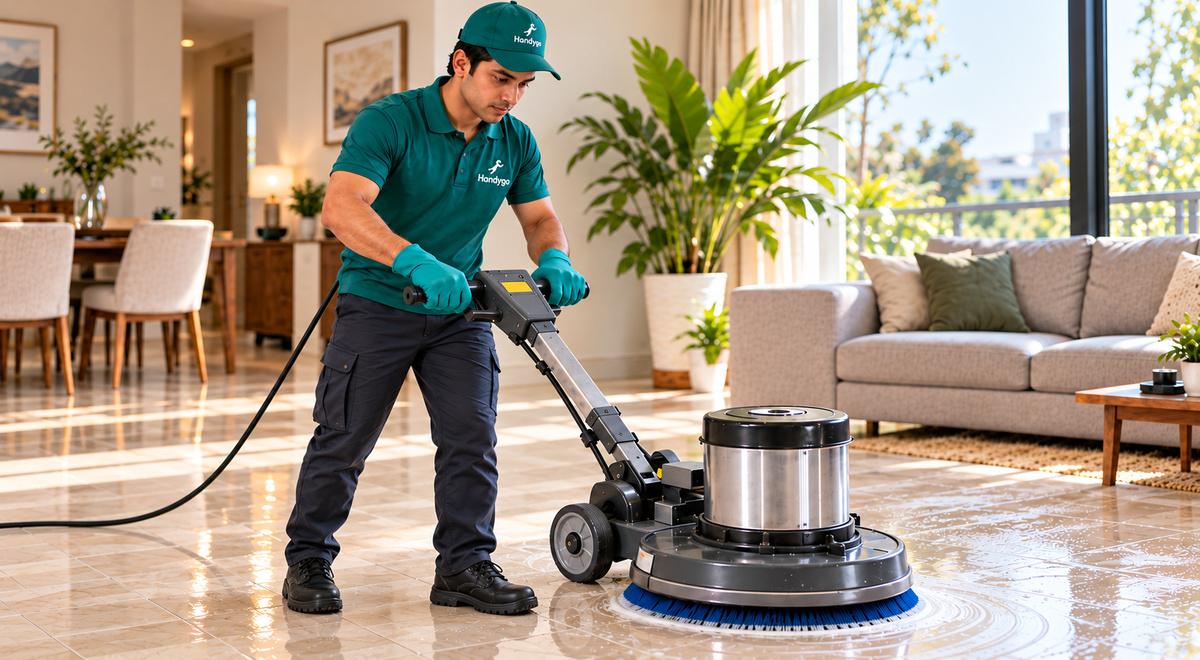
Deep Cleaning
Booking scope and Ustaad availability are confirmed in the app.
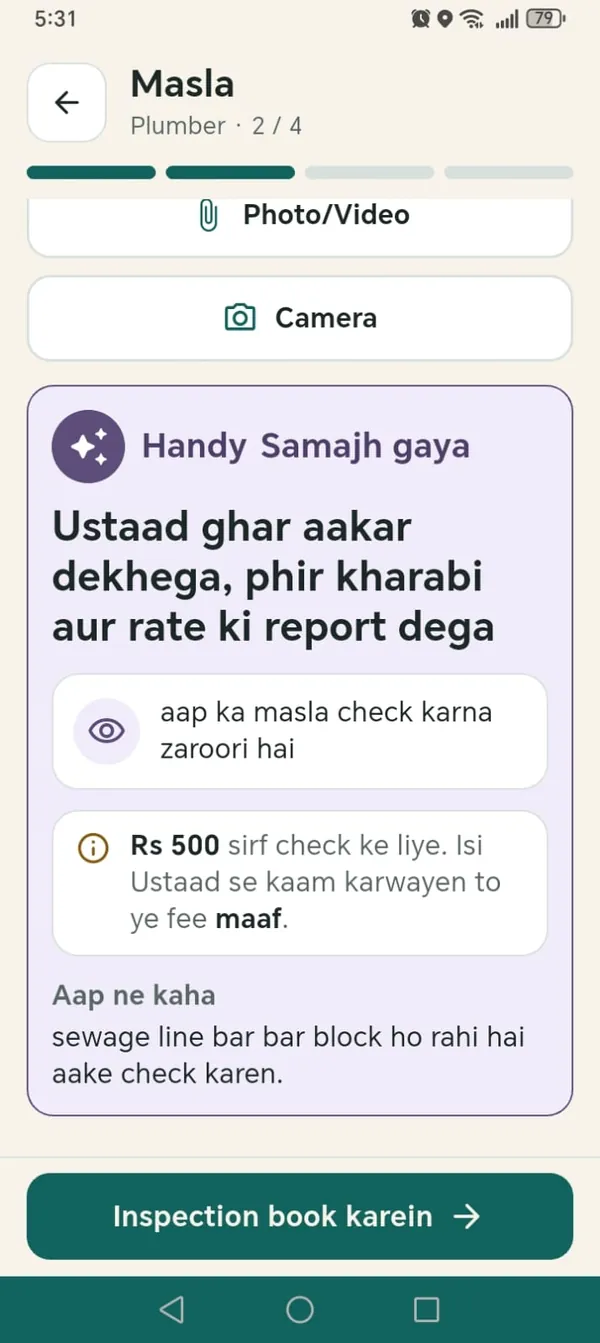
These are screens from the HandyGo customer app.
Choose the service, set your address, then describe the problem. Speak it, type it, or add a photo or video.
Handy, the HandyGo assistant, turns what you said into a short summary so the Ustaad knows what to expect. You check it before you book.
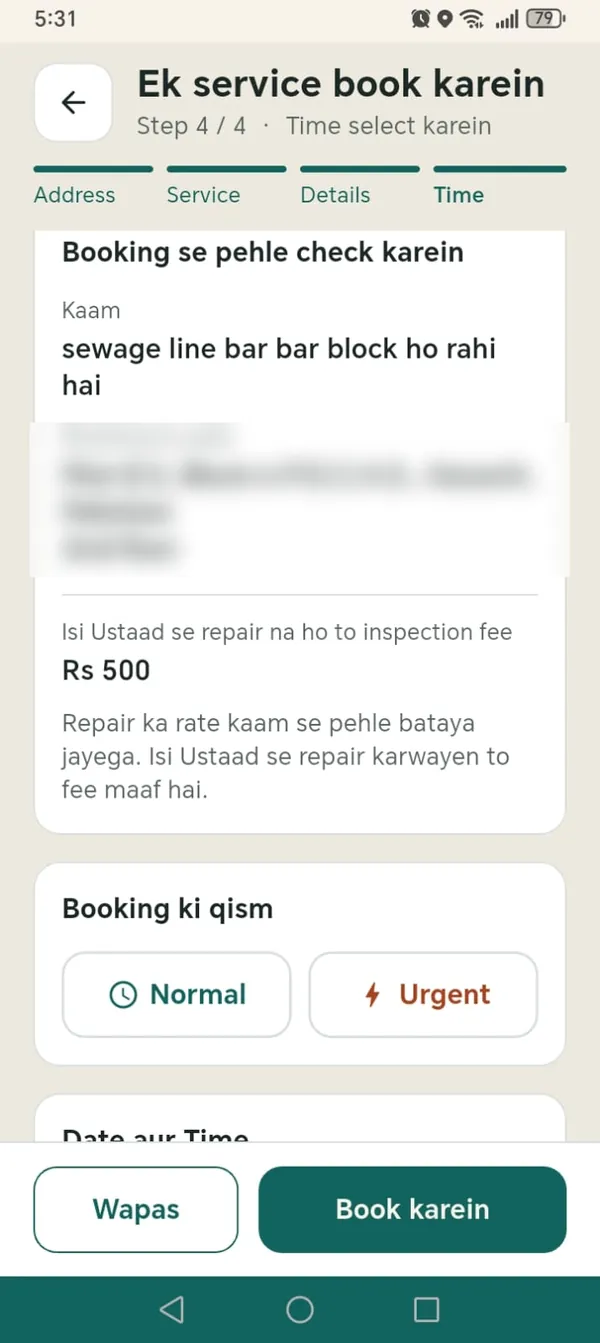
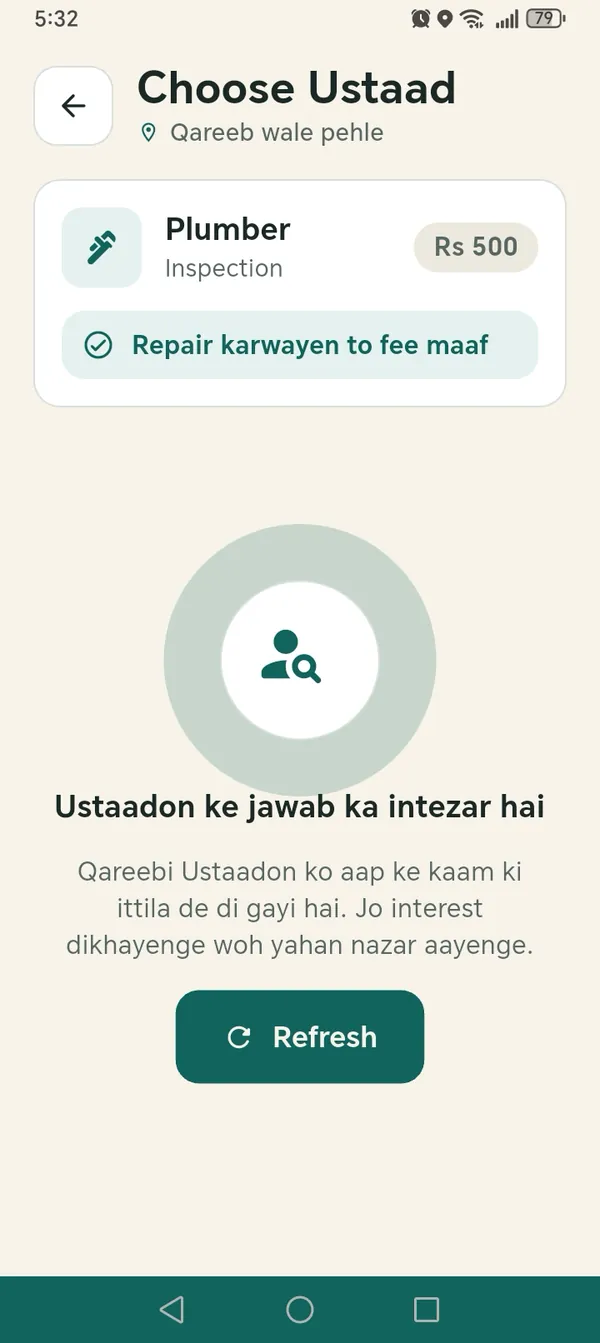
Nearby Ustaads are told about your job. The ones who are interested send an offer with their rating, experience and distance. You pick the one you like.
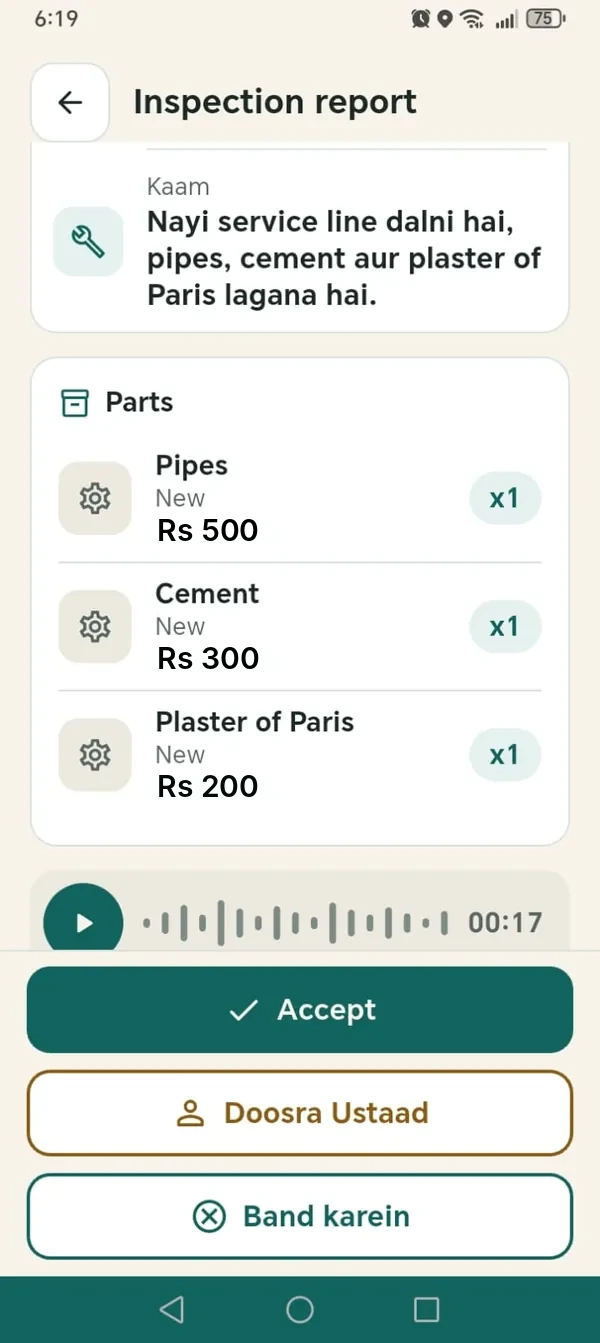
After the inspection you get a written report with parts and labour. You can accept it, ask for another Ustaad, or close the booking.
Inspection is Rs 500. If the same Ustaad does the repair, the inspection fee is waived. If you do not go ahead with the quoted work, it remains payable.
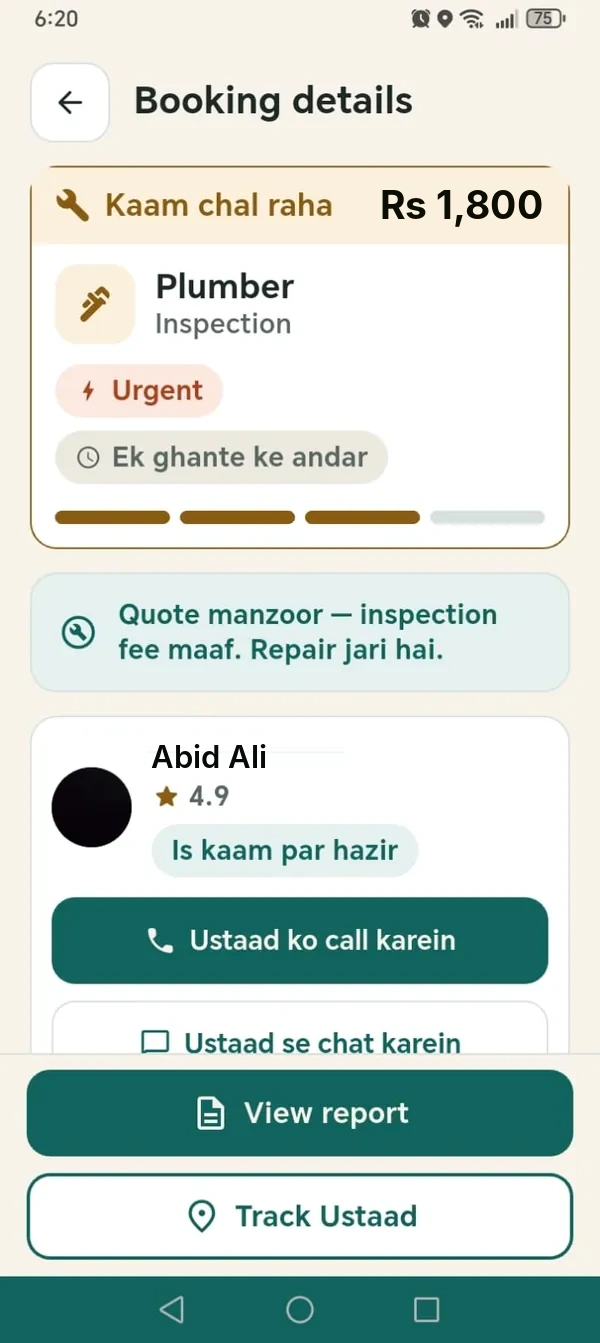
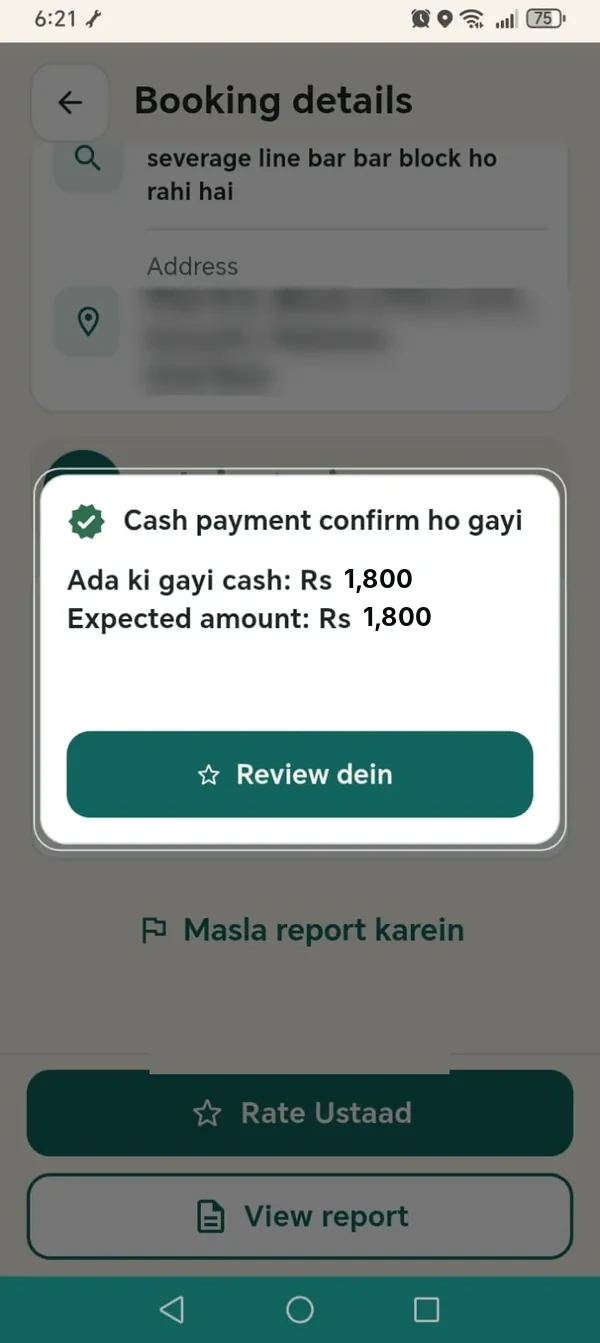
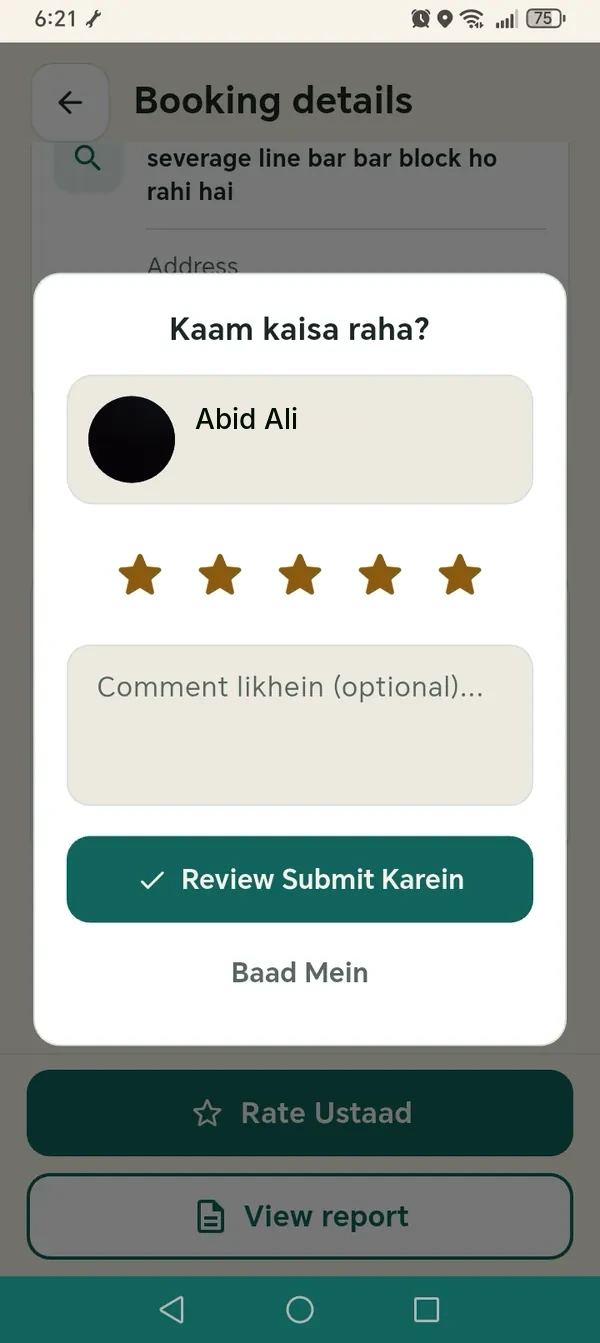
Track your Ustaad, chat with them in the app, then confirm the amount when the work is complete and rate the job. Repair work carries a 15-day work warranty, subject to HandyGo's workmanship policy (not for inspection-only bookings).
Customers tell the problem by voice. Ustaads give their report by voice. Handy, the AI helper inside the app, does the writing. The Ustaad checks it, and you approve it.
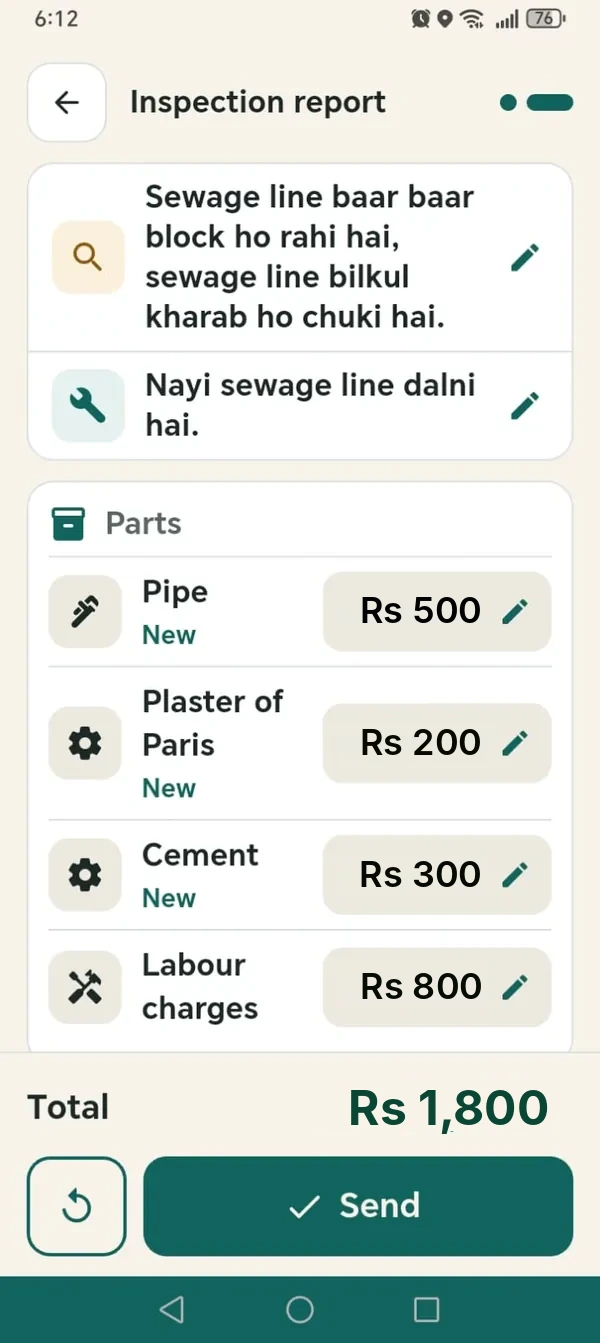
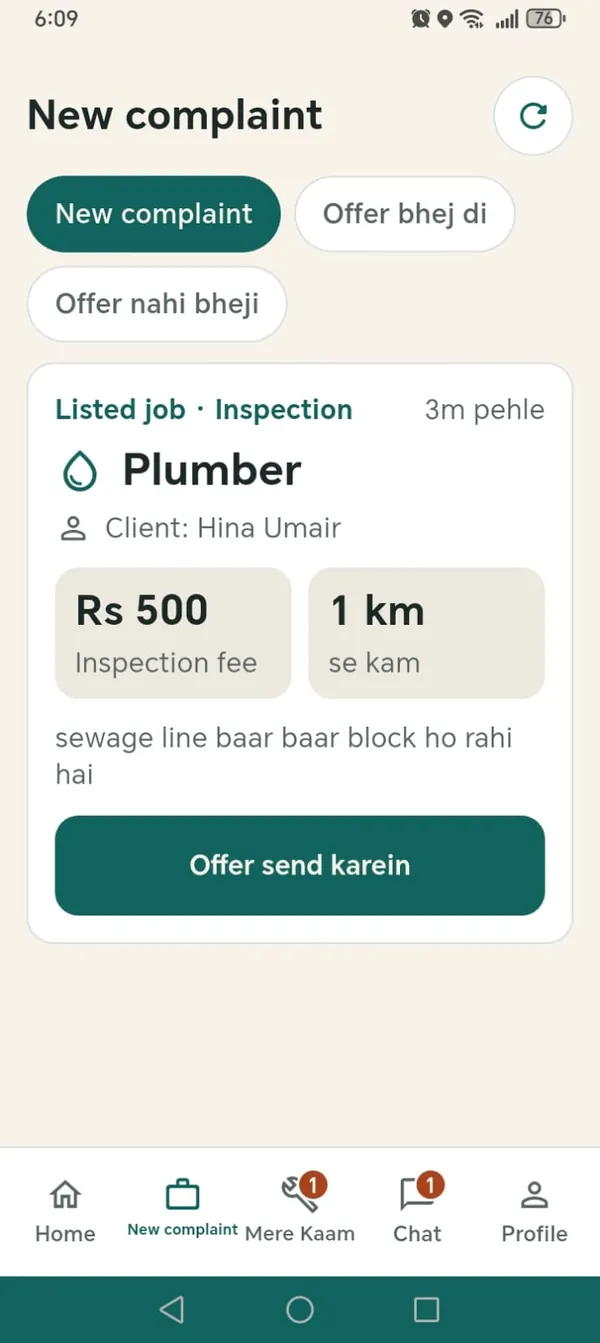
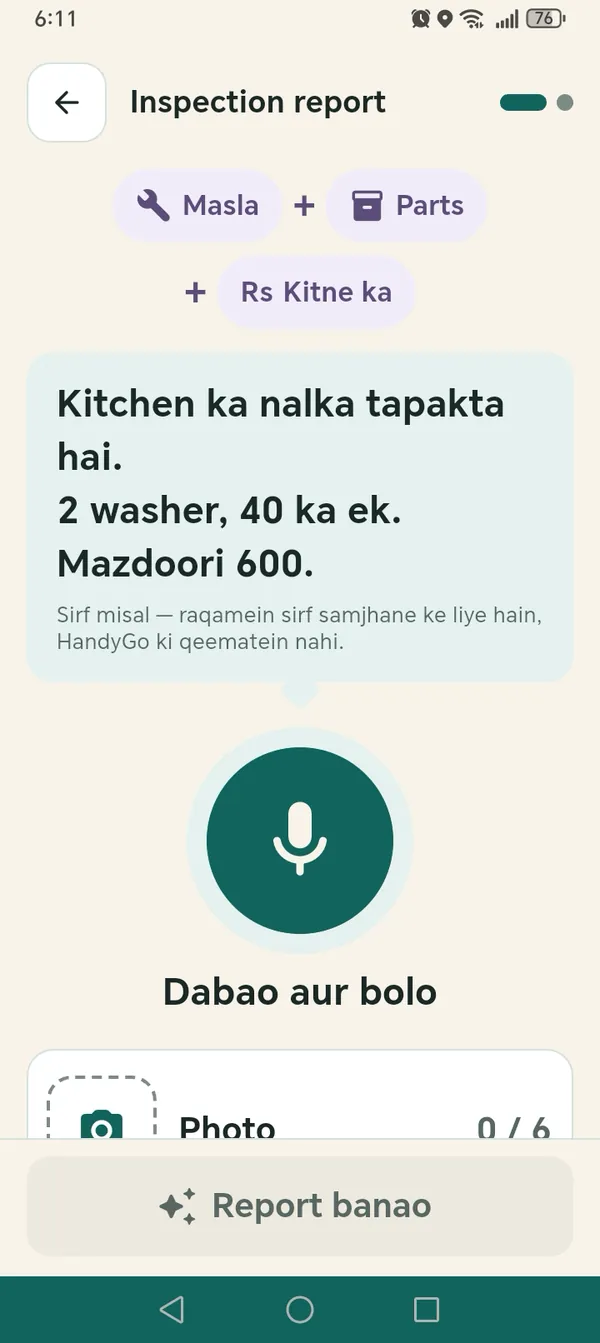
See new complaints near you, send an offer, go to the customer, inspect, and speak your report instead of typing it. It is the same HandyGo app: choose Ustaad when you open it.
See how it works for UstaadsSafety-first information on common repair and cleaning requests, so you can describe the problem clearly when you book.
AC Technician
Know the safe details to share when an AC is not cooling, and when HandyGo inspection or a repair quote may be needed.
Read guidePlumber
Prepare a clear plumbing booking for a visible or suspected water leak without unsafe repair attempts.
Read guideElectrician
Safe next steps when a circuit breaker keeps tripping and what to share with a HandyGo electrician.
Read guideDeep Cleaning
Understand what to confirm before booking deep cleaning for a home, office or commercial space.
Read guideThe HandyGo app is on Google Play for Android. The iOS app is coming soon, and the App Store link will appear here when it is live.
Questions first? Read the FAQ or contact support.



HandyGo Customer App
Scan to get HandyGo for Android on Google Play